DocsTeach your assistantUpdate or delete an article
Update or delete an article
Keep the knowledge base true. Out-of-date answers mislead customers.
Open Knowledge base and the Articles tab. Type in Search articles to find one.
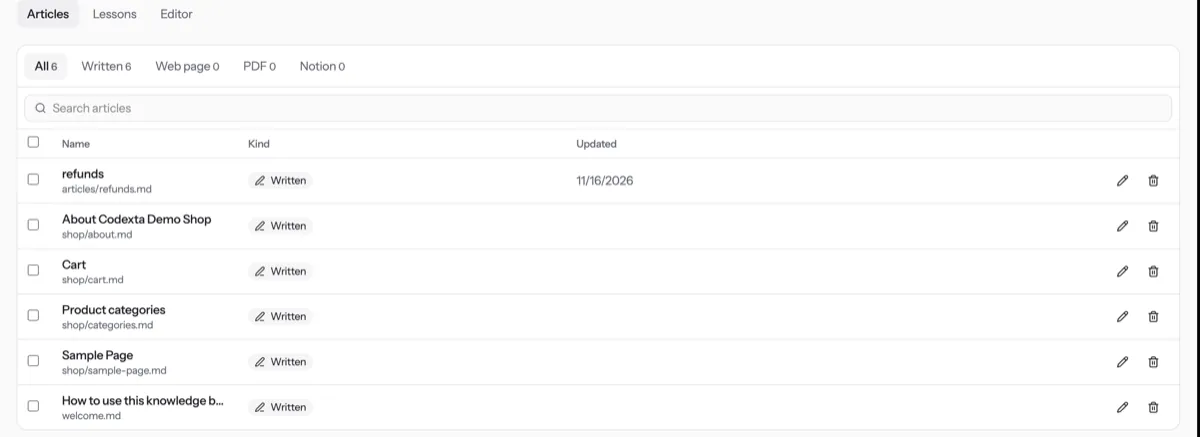
Press the article’s name or the pencil to open it.
Change the text and press Save.
To delete, press the bin on the article’s row and confirm. This cannot be undone.
Tip. Deleting several at once? Tick them and press Delete. Your plan limits the number of notes: see Plan and usage.
NextRead conversationsWas something unclear? Contact support