DocsTeach your assistantFix a wrong answer
Fix a wrong or missing answer
Questions the assistant could not answer are saved. Answer one and it is fixed.
Open Conversations and choose the Unanswered tab. Each row is a question the assistant could not answer.
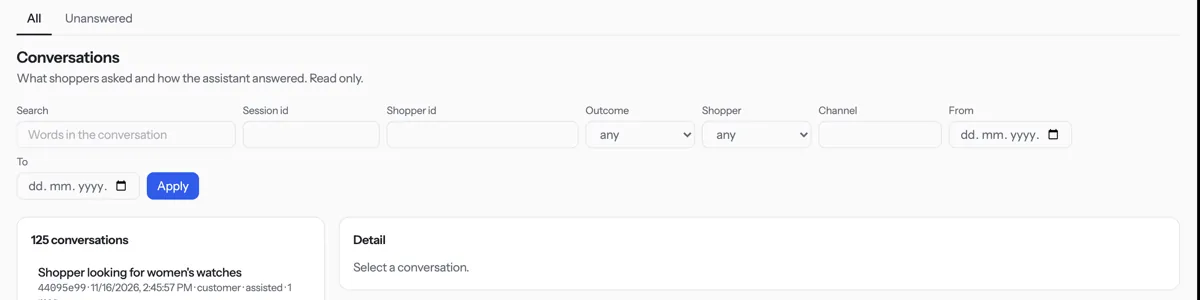
Press Write KB article on a question.
Press Create note, write the answer and press Save.
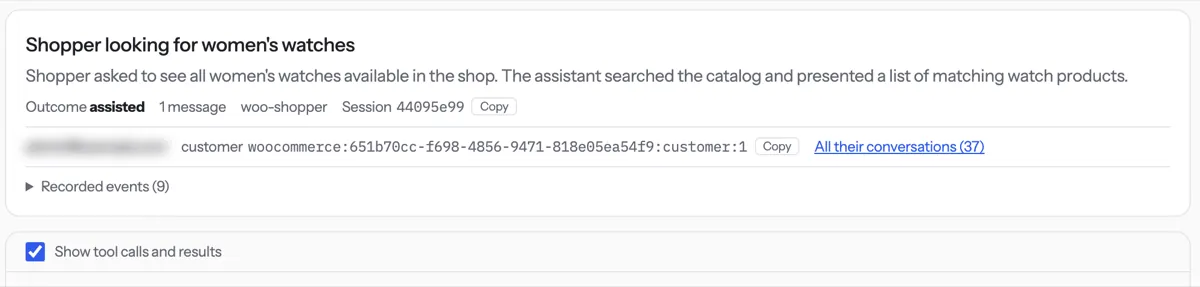
If an answer was wrong, open it under All and read What the assistant did. Then correct the article.
Tip. New questions can take up to five minutes to show in the list.
NextAdd a lesson← Import a web page or PDFAll docs
Was something unclear? Contact support