DocsSupport consoleSaved replies
Write saved replies
Write it once. Use it in two clicks.
Open Settings › Saved replies and press Add.
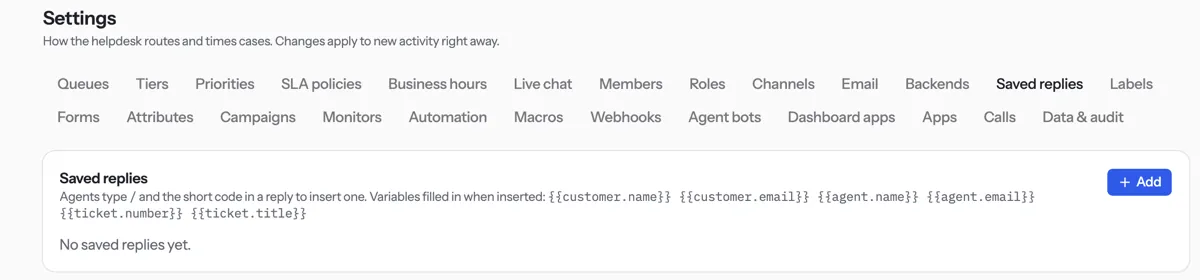
Type a Short code, such as
refund.Write the Text. You can use
{{customer.name}}and{{agent.name}}.Press Save.
In a reply, type / and the code to insert it.
Tip. Codexta fills in the names for you. If one is missing, it warns you before you send.
NextTeam and rolesWas something unclear? Contact support