DocsBack-office assistantBack-office assistant
Back-office assistant
Ask in plain words. It reads your system for you.
Open Assistant in the top menu, on the Chat tab.
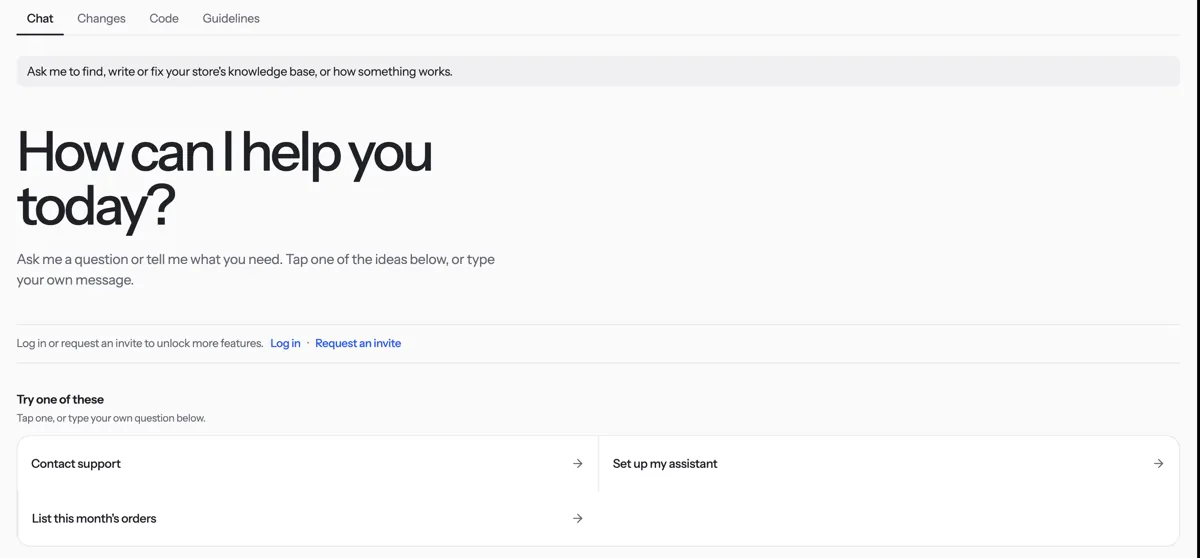
Pick a topic under What I can help with to see example questions.
Tap an example or type your own question.
To make a change, ask for it. The assistant names the old and new value and asks yes or no. Answer yes to apply it.
Tip. Only the Owner and Admins can make changes. On an online shop, see Ask about orders and products.
Was something unclear? Contact support