DocsTeach your assistantAdd a lesson
Add a lesson
Articles are what the assistant knows. Lessons are how it behaves.
Open Knowledge base and choose the Lessons tab.
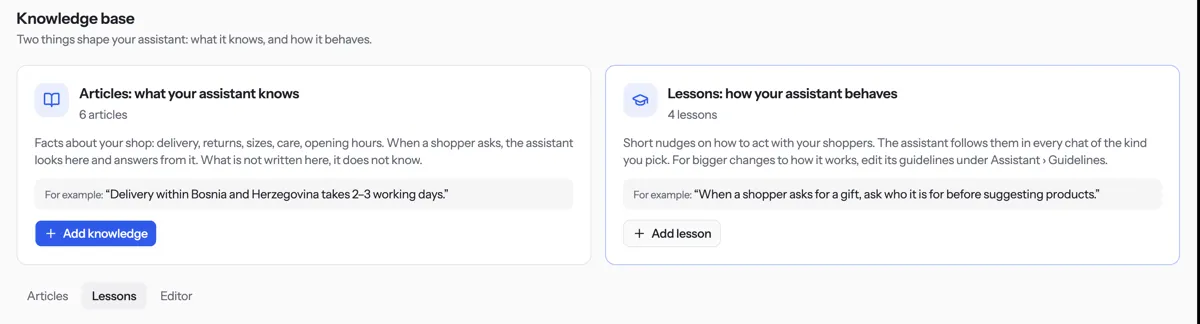
Press Add lesson.
Type a Short name, such as “Ask for a reference number”. Then write The rule in one to three sentences.
Under Applies to, tick the kinds of chat the lesson is for.
Press Save lesson. Customers get it from their next chat.
Tip. Write the rule as an instruction. Keep names, emails and promises you cannot keep out of it. Facts belong in an article.
NextUpdate or delete an articleWas something unclear? Contact support