DocsConversationsTake over a chat
Take over a chat
The customer keeps typing in the same chat window.
A customer asks for a person. Their chat shows Looking for an available agent…
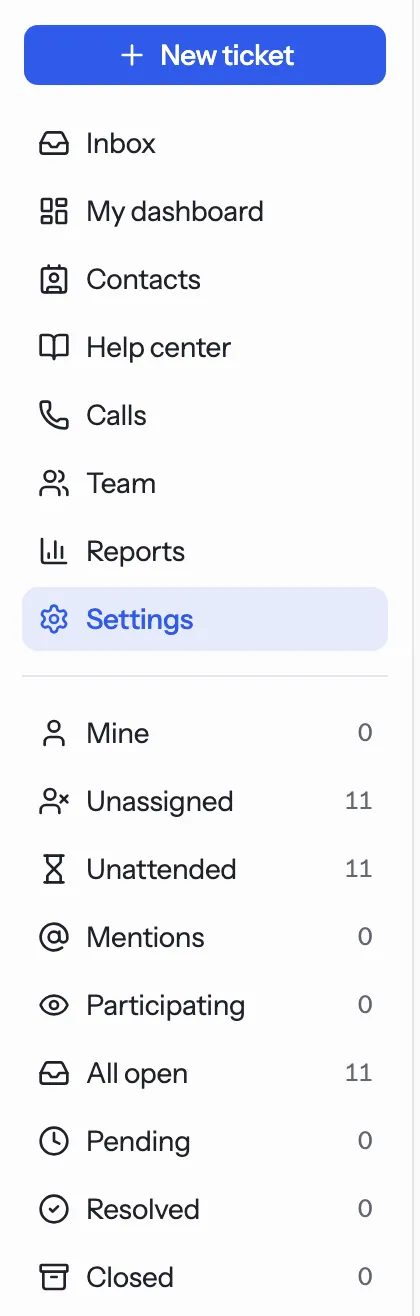
Open the Support console. Find the chat under Unassigned and open it.
Press Assign to me. You can read the whole chat so far.
Write in Reply and press Enter. The customer sees Connected to a human agent.
When the question is answered, press Resolve.
Tip. Live chat must be switched on. Outside your live chat hours the assistant opens a ticket instead. See Live chat hours.
NextThe support consoleWas something unclear? Contact support