DocsFirst setupLanguages
Add a language
Customers get your wording in their language.
Open Settings › General.
Under Greeting and suggested questions, choose a language from + Add language.
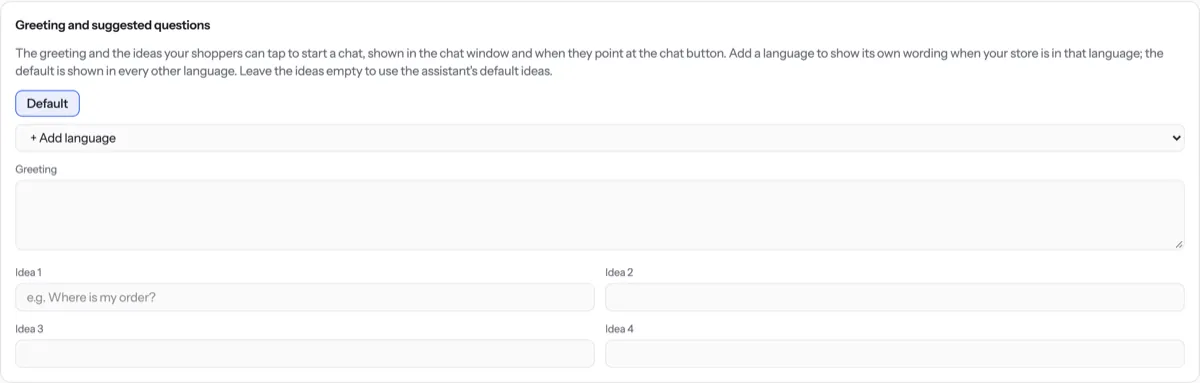
Write the greeting and ideas for that language. Left empty, the default wording is used.
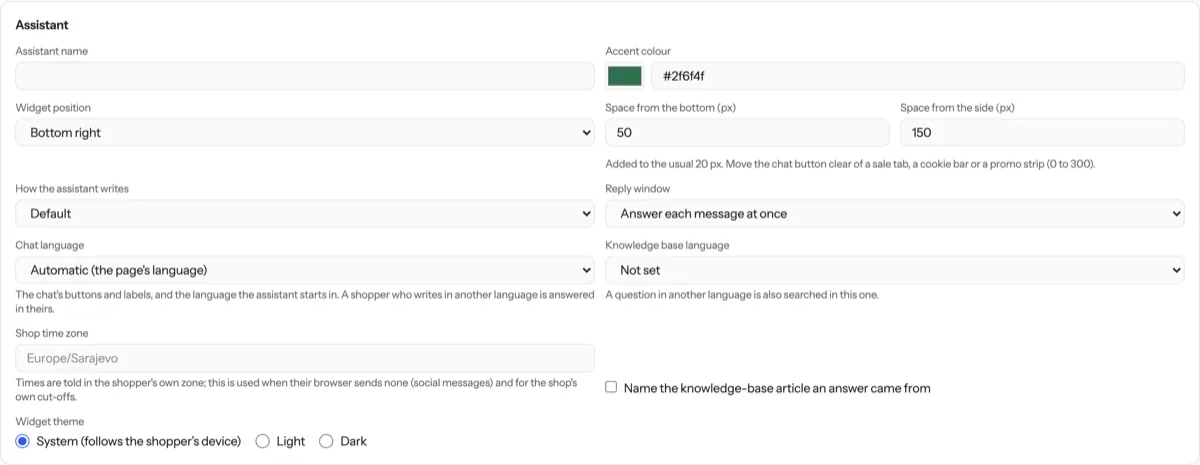
Under Assistant, check Chat language and set Knowledge base language to the language your articles are written in.
Press Save settings.
Tip. The assistant replies in the language the customer writes in, whatever you set here.
NextTurn the assistant on or off← Name, greeting and questionsAll docs
Was something unclear? Contact support