DocsSupport consoleQueues and people
Queues and people
A queue is a team. Members work the cases that land in it.
Open Settings › Queues. Only the Owner and Admins see Settings.
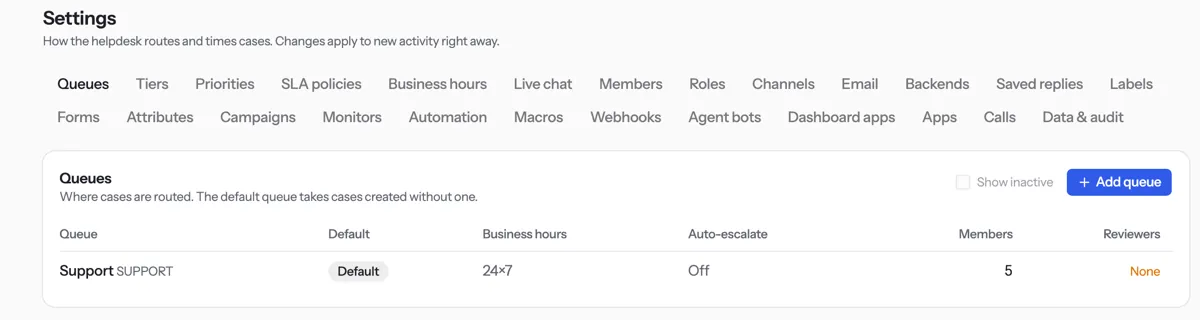
Press Add queue, type a Code and a Name, then press Save.
Open the Members tab and press Add member.
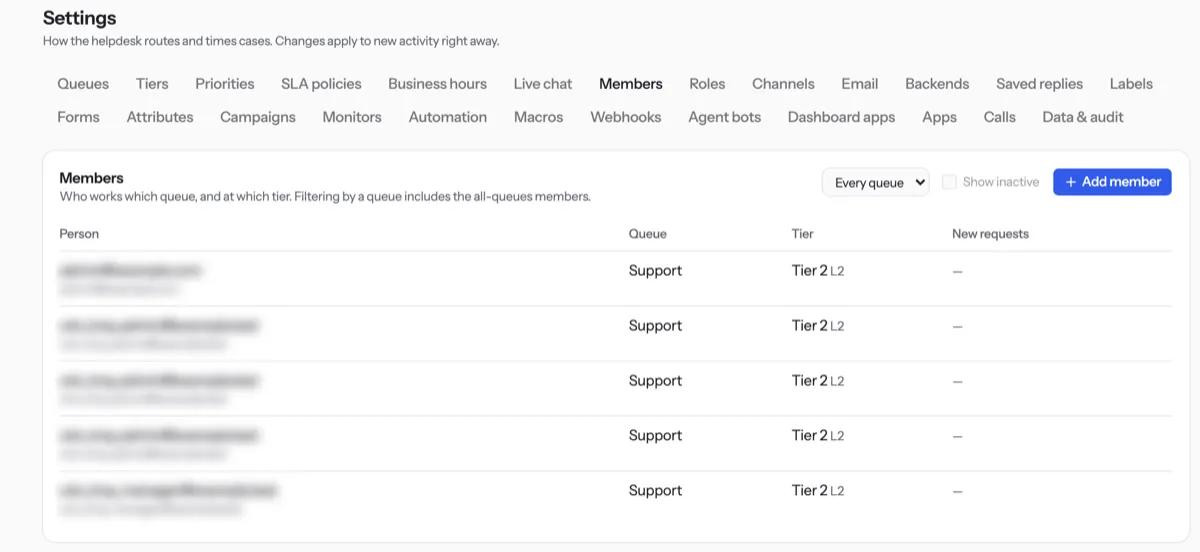
Pick the Team member, the Queue and their Tier, then press Save.
Tip. Give the person the Support agent or Support manager role first, under Team and roles. Tick Reviews new requests to email them every new ticket.
NextLive chat hoursWas something unclear? Contact support