DocsSupport consoleChannels and email
Channels and email
A channel is a way cases come in. Email is the most common.
Open Settings › Channels and press Add channel.
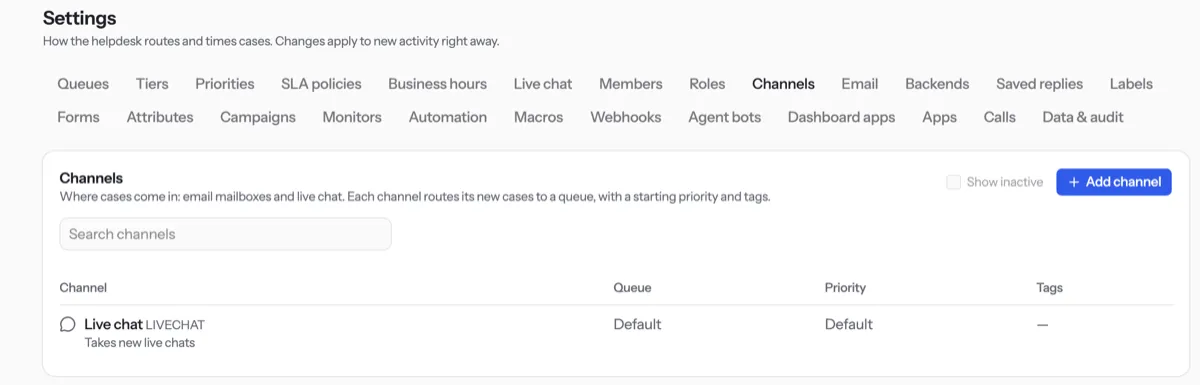
Choose the Kind: Email, Live chat or API. You cannot change it later.
Type a Code, a Name and, for email, your public Address.
Pick the Queue where new cases should land, then press Save.
To send replies from your own mail server, open Settings › Email, fill in the server and press Test.
Tip. Instagram, WhatsApp, Telegram and other messaging apps connect under Settings › Integrations in the Codexta admin, not here.
NextSaved repliesWas something unclear? Contact support