DocsOnline shopsShoppers
Find or block a shopper
Everyone who chatted, with their conversations in one click.
Open Shoppers in the top menu.
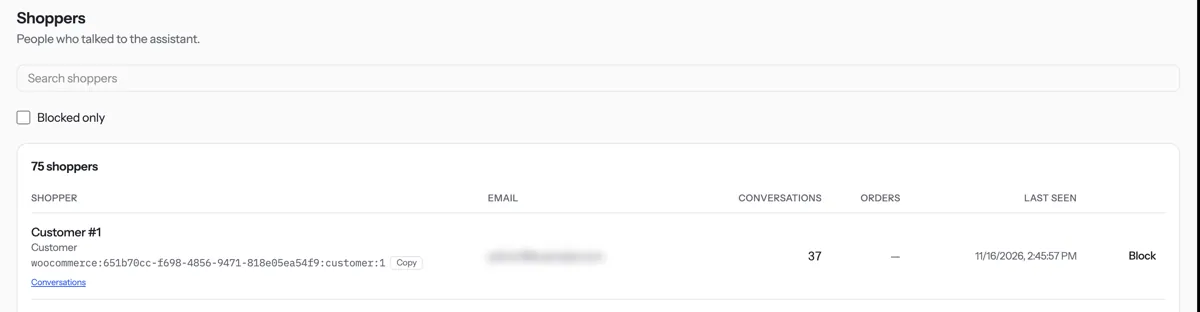
Type a name or email in Search shoppers.
Press Conversations on a row to read their chats.
To stop someone chatting, press Block. Tick Blocked only to list blocked shoppers.
Tip. A blocked shopper is told they reached today’s limit, never that they are blocked. Only the Owner and Admins can block.
NextTake over a chatWas something unclear? Contact support