DocsOnline shopsChat on your storefront
Chat on your storefront
Where the chat button appears, and how to move or hide it.
Open your shop in a normal browser window. The round chat button sits in a bottom corner.

Click it. The chat opens with your greeting and the questions you set.
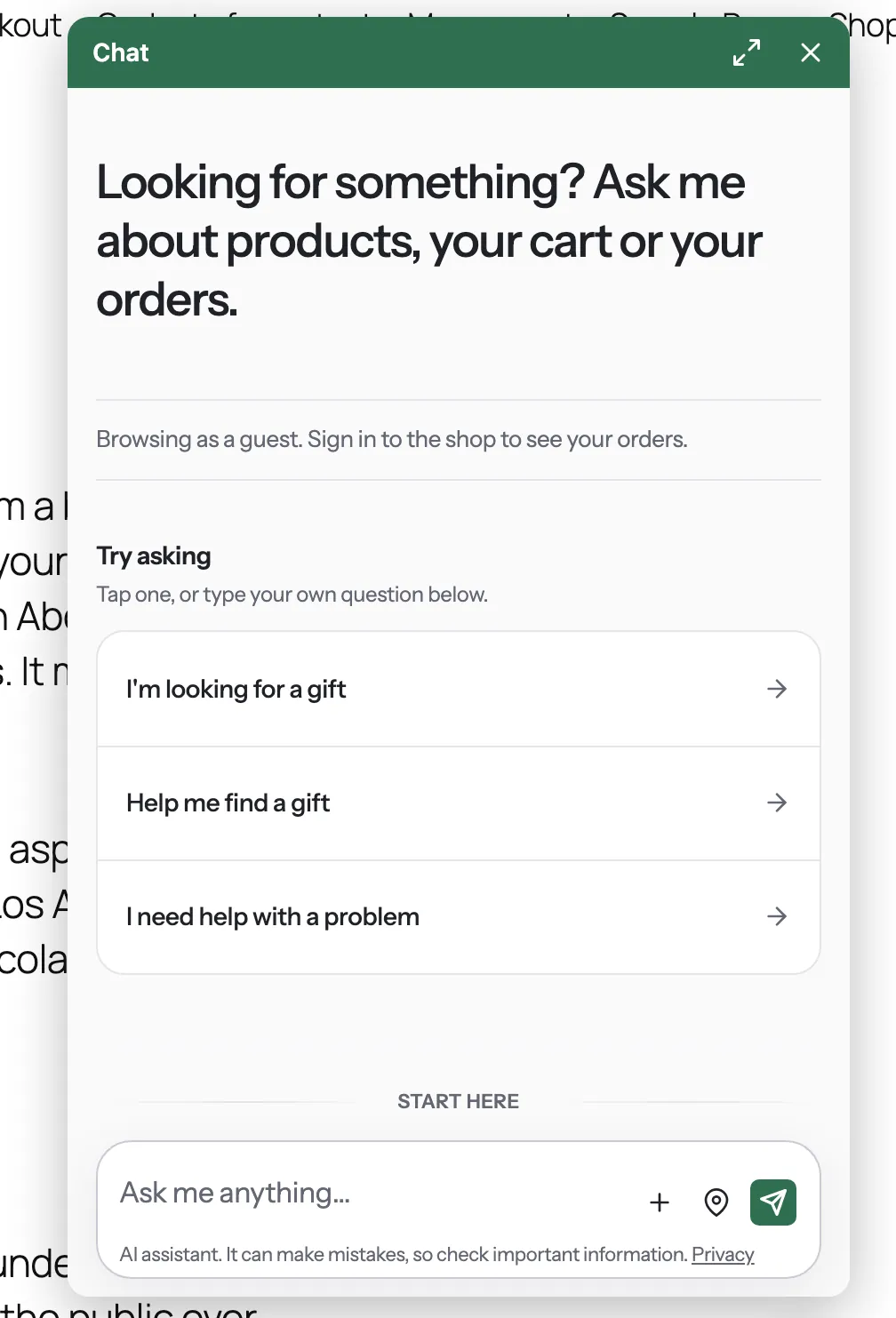
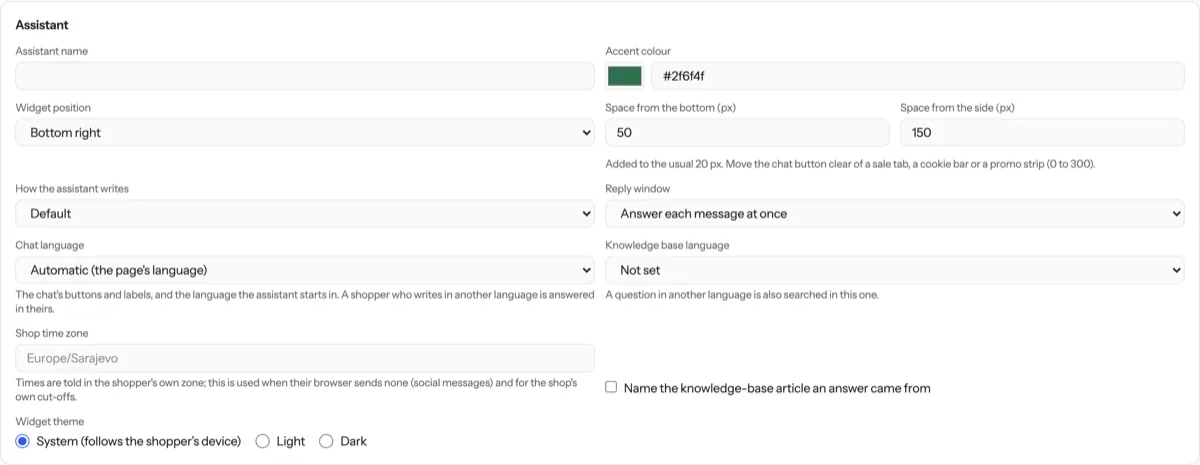
To move the button, open Settings › General and change Widget position, Space from the bottom (px) and Space from the side (px).
To hide the chat, untick Chat on your store under Who can chat and press Save settings. It goes within about a minute.
Tip. Shopify: you can also switch off the Codexta assistant app embed in the theme editor. WooCommerce: deactivating the plugin removes the chat and pauses the assistant.
NextOrders and productsWas something unclear? Contact support