DocsFirst setupName, greeting and questions
Set the name, greeting and questions
Make the first thing a customer sees sound like you.
Open Settings in the top menu, then the General tab.
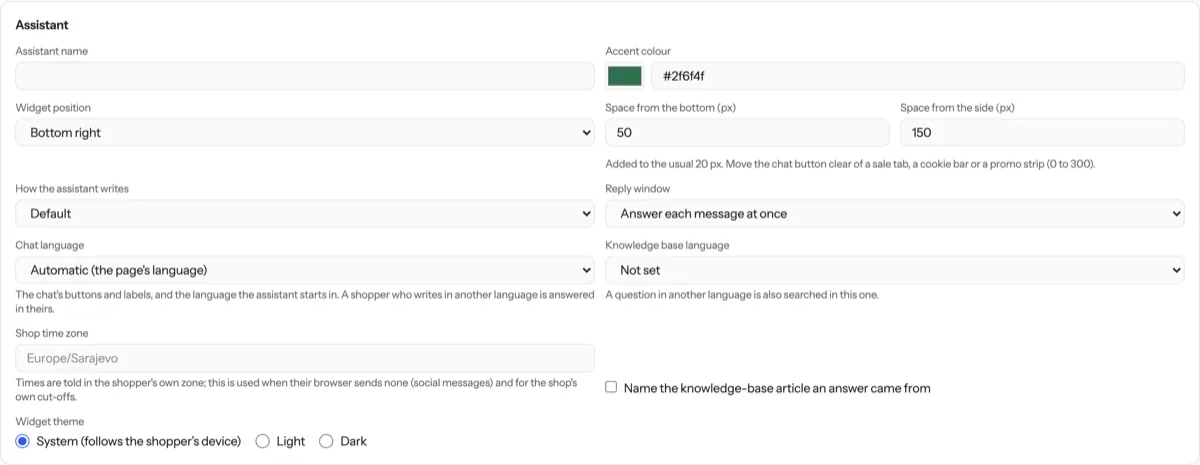
Type a name in Assistant name. Pick an Accent colour to match your brand.
Under Greeting and suggested questions, write your Greeting.
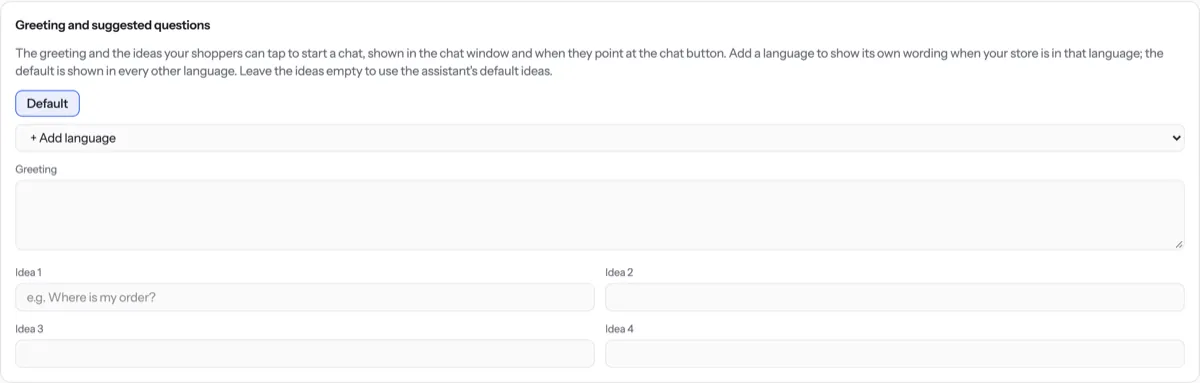
Fill Idea 1 to Idea 4 with questions customers can tap, such as “How do I contact you?”.
Press Save settings. You see Saved.
Tip. Prefer to chat? Open Assistant › Chat and type “Change the greeting and starter questions”.
NextLanguagesWas something unclear? Contact support