DocsSupport consoleOpen the console
Open the support console
Chats the assistant hands over and tickets all arrive here.
Open your Codexta admin and click Support console in the top menu.

Use the menu on the left: Inbox, My dashboard, Contacts, Help center and Calls.
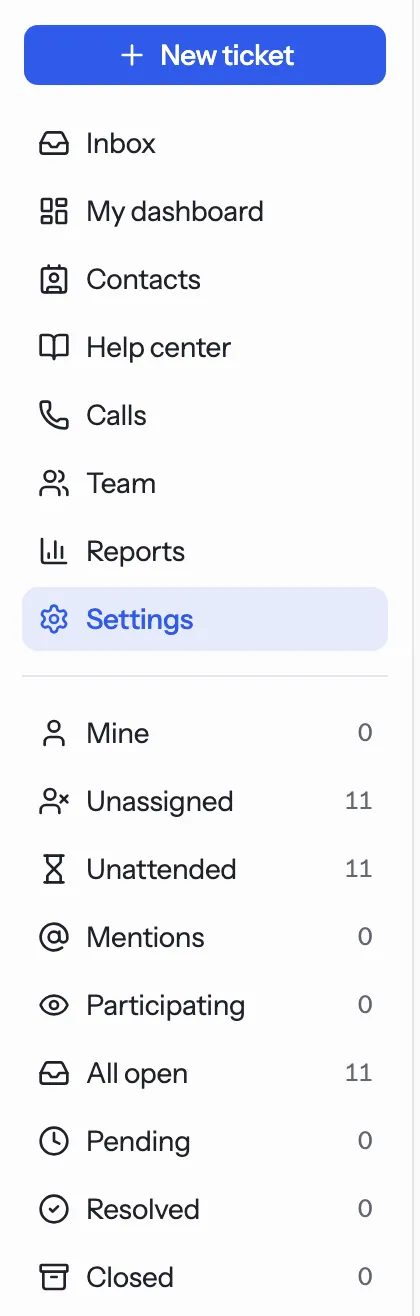
Pick a list below it, such as Mine, Unassigned or All open.
Click a case to read it. A case is a chat or a ticket.
Tip. A new account already has one queue called Support, a live chat channel and office hours of Monday to Friday, 08:00 to 17:00 UTC. You can start answering straight away.
NextQueues and peopleWas something unclear? Contact support